

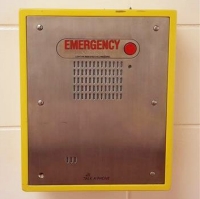
Yellow emergency phones
Located in several locations on campus. Simply press the button to be connected with CSPS. No extension required.
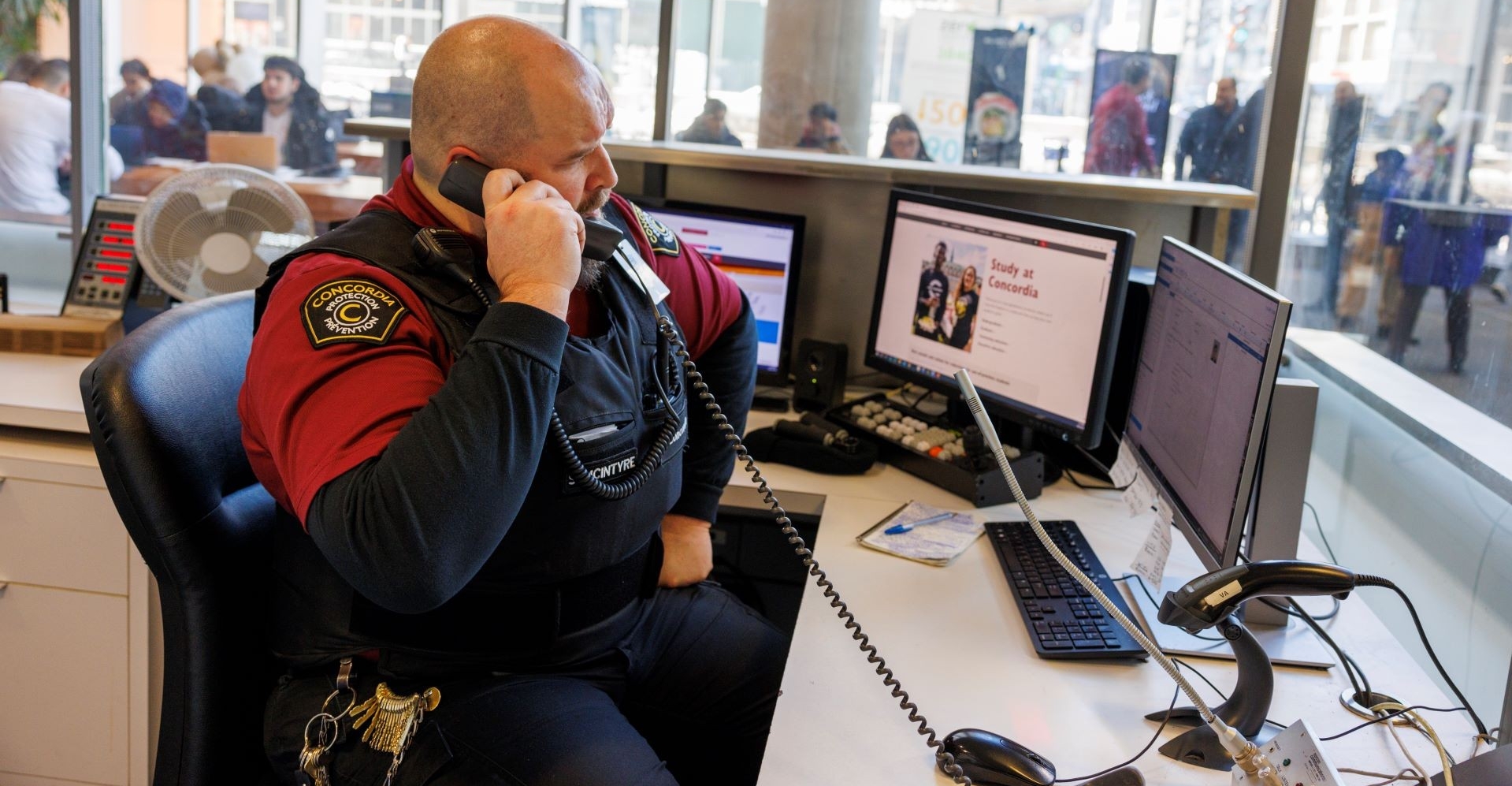
With two campuses and more than 70 buildings, emergency services face challenges locating individuals, especially since many university buildings share the same street address. Campus Safety and Prevention Services (CSPS) can respond swiftly in emergencies. When necessary, our security team will connect you directly with 911, coordinating with emergency services to ensure they are promptly directed to your precise location.
Texting gives you another way to reach Campus Safety and Prevention Services when calling isn’t the best option. You can send a text to 514-848-3717, no app or registration required.
Text messages are monitored 24 hours a day, seven days a week. Messages are answered in English or French, based on the language used, and handled by Campus Safety and Prevention Services staff following established response procedures.
The CSPS operations centre is located at:
1455 De Maisonneuve Blvd. W.
Montreal, QC H3G 1M8
S-H-118
Emergency buttons are available on all classroom podium computers as an icon on the home screen and in the computer taskbar.
Double-click on the “Desktop Activator” icon to activate an alert or left-click on the “Alertus Desktop System” icon in the computer taskbar and select the “Send Alert” button.
 Desktop icon
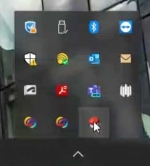 Taskbar icon
An alert is sent to CSPS including the building, room number, date and time. No input is necessary for activation. An agent is immediately sent to the location to respond to the alert.
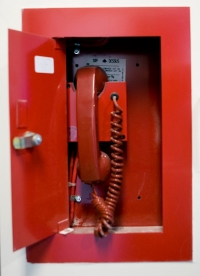
Located in most high-rise buildings, usually near emergency exits. In an emergency, break the glass and lift the receiver to be connected with CSPS. No extension required.
All public pay telephones on campus can contact CSPS free of charge. Dial 514‑848‑3717.
Sir George Williams Campus
1455 De Maisonneuve Blvd. W.
Montreal, QC, H3G 1M8
S-H-345
Loyola Campus
7141 Sherbrooke St. W.
Montreal, QC H4B 1R6
L-SP-170
Email
csps@concordia.ca
Have your questions and concerns addressed by filling out the Feedback form.
Have a comment about a security agent? Please fill out this Compliment or complaint form.
To report a non-urgent incident on campus or involving university property or personnel, fill out the Incident report form. Any urgent incident should be reported using an immediate contact method.