

A student guide to sending effective emails
Welcome Crew mentor Alex shares her tips for sending emails without stress.
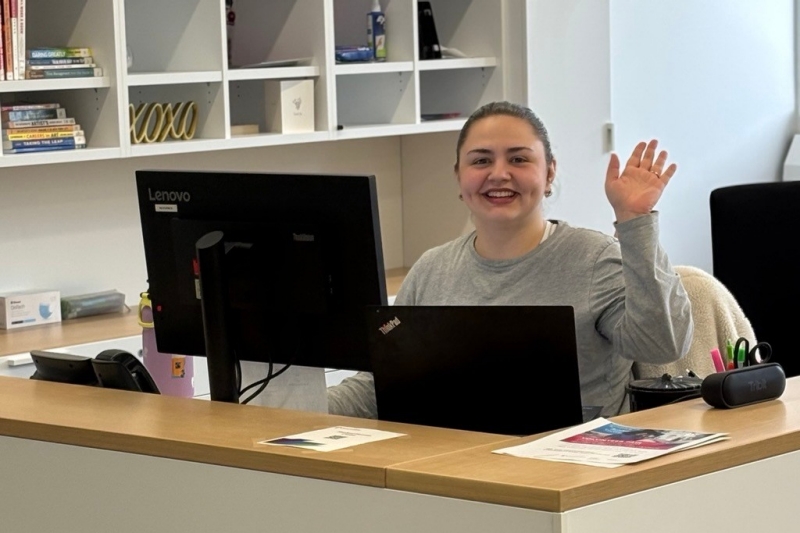 Need help writing an email to your prof, an advisor, or another Concordia staff member? The Welcome Crew can help!
Sending emails can be intimidating — especially if you’re contacting someone for the first time! At the same time, email communication is an important skill that you’ll keep using and developing throughout your time at university.
As a Welcome Crew mentor and a fourth-year Concordia student, I’ve learned the ins and outs of emailing professors, advisors and other university staff about many different topics.
Here are my top tips for email communication as a student:
1. Use your Concordia email address
As a Concordia student, you have access to a student email account with Microsoft 365. You're expected to use this email for your Concordia-related communications, and it makes things easier for you, too. Using your Concordia email is a useful way to stay organized by keeping university-related messages separate from your personal emails. It also looks professional and helps people recognize you as a Concordia student.
2. Start with a polite greeting
Begin with a salutation like “Hello” or “Dear,” followed by the person’s name.
For professors, you can check your syllabus to find out how they’d like to be addressed. If you’re unsure of your professor’s title, addressing them as “Professor [last name]” is a good option.
If you’re not totally sure of the recipient’s name or title, you could begin your email with a neutral greeting like “Hello,” or “Good morning,”.
3. Introduce yourself
It’s important to say who you are, especially if you’re contacting someone for the first time!
If you’re writing to a professor, make sure they know what course you’re contacting them about, and the section you’re enrolled in. Include the course code (e.g. ECON 213) in the subject line of the email.
If you’re emailing an academic advisor, make sure to include your program.
4. Make sure your message is clear
Keeping your message to the point will make it easier for the recipient to respond to you, which might lead to a quicker reply!
- Your subject line should briefly say what the email is about.
- If you have a specific question, ask it clearly and early on in the email.
- If you’d like to schedule a meeting, make sure to say so. You could also let the recipient know when you’d be available to meet.
- If you’re sending an attachment — like an assignment to a professor — include a brief message explaining what the attachment is. Never send a blank email!
Write a draft of your message and read it out loud to see if it makes sense before you hit send.
Tip: If you have a more complicated question, or lots of questions, it might be easier to book a meeting, or attend a drop-in or office hours instead of trying to explain everything in one email!
5. Finish with a proper sign-off
After you review everything, make sure to end your email with a closing like “Best regards,” “Sincerely,” or “Thank you,”.
Make sure to always sign off with your full name and student ID number!
6. Remember to reply!
If you don’t hear back right away, don’t take it personally. People get lots of emails!
Give the recipient time to respond before emailing again. You might wait a week and then follow up, clearly restating your question in a respectful tone.
When you do hear back, remember to reply! If your question was answered, a simple thank-you lets the sender know you received their response and that your issue was resolved. It also shows you appreciate their time and help.
Want help writing emails as a Concordia student? The Welcome Crew has you covered!