

Heading
Descriptive text
 Beta
Beta
Use image and text when you need paired image and rich text in a two-column layout.
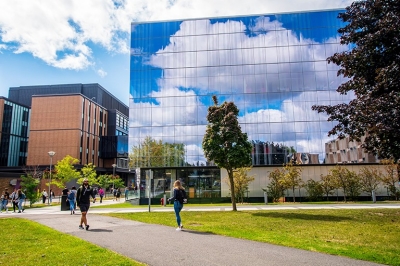
Descriptive text
Visitors read body copy next to a visual that supports the message. Content authors keep headings and paragraphs in the text area and treat the image as illustration, not the only place for critical information. Visual designers balance image width and position so the block stays legible when columns stack on mobile.

Replace with left, right, and stacked mobile examples.
Use this query in CRXDE Lite to find instances of this component.
/jcr:root/content//*[@sling:resourceType = 'concordia/components/textimage/textimage.jsp']textimage.jsp mirrors Image link handling for image/linkURL. Column widths adjust from image/width (pixel max width or auto). imgPosition controls order (left default, right, center). noWrap changes float behaviour for text flow. fullWidth stacks image on small screens per classes.
| Field | Purpose |
|---|---|
| Text | RTE HTML. |
| Image | Subresource with DAM path, alt, link. |
| Position | Left, right, centre. |
| Width / round / nowrap | Layout refinements. |
| Location | Notes |
|---|---|
apps/concordia/components/textimage/textimage.jsp | Implementation. |
| Item | Location |
|---|---|
| Component | apps/concordia/components/textimage/textimage.jsp |