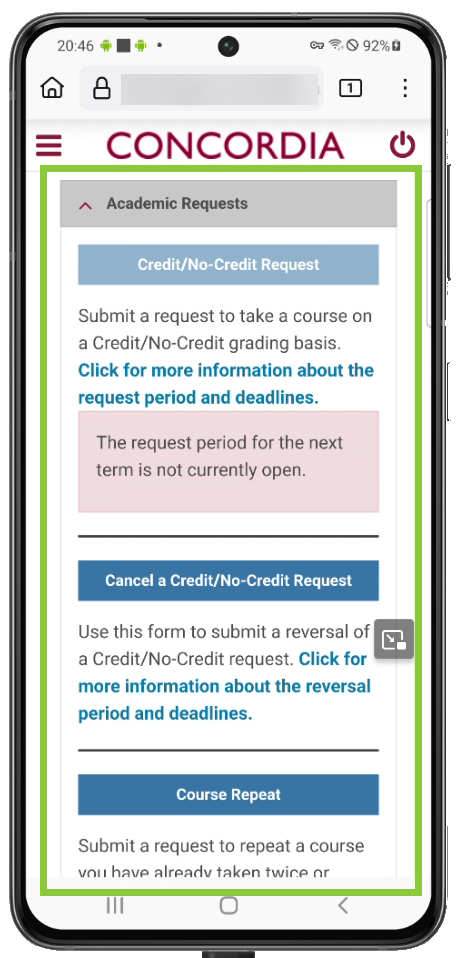

How to access the Student Request Forms
Important
Before you start or if you are experiencing any issues accessing your Student Centre:
- Make sure your browser is up-to-date with the latest version available.
- If you are using pop-up blocker, please ensure it is turned off.
- If you are still experiencing issues, try using a different browser.
Laptop
Log in to the Student Hub, select My CU Account, then the Student Centre.
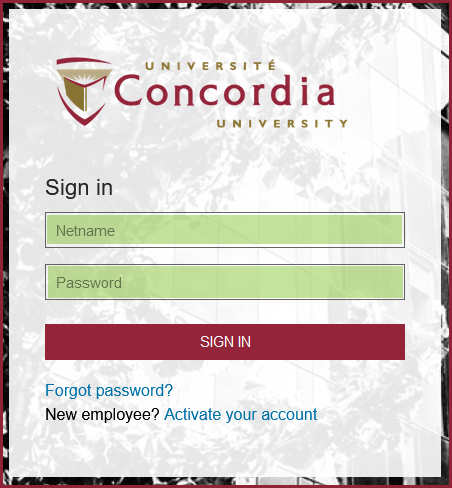
Sign in with your Netname and password.
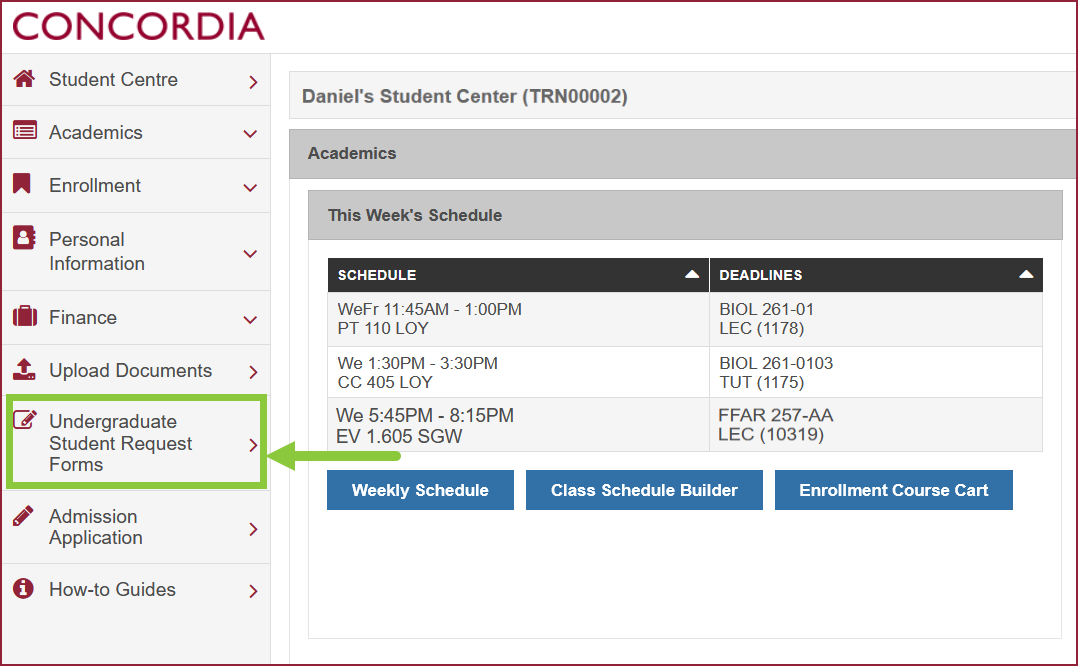
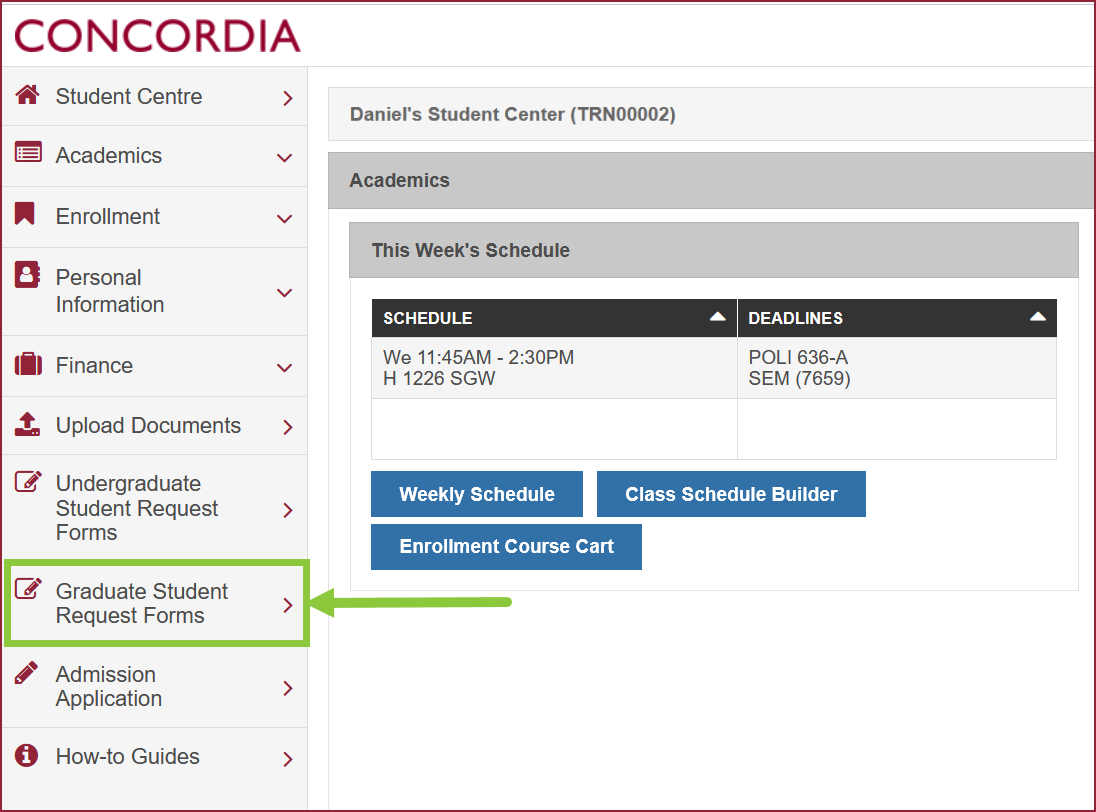
On the left-hand menu, select Undergraduate or Graduate Student Request Forms.
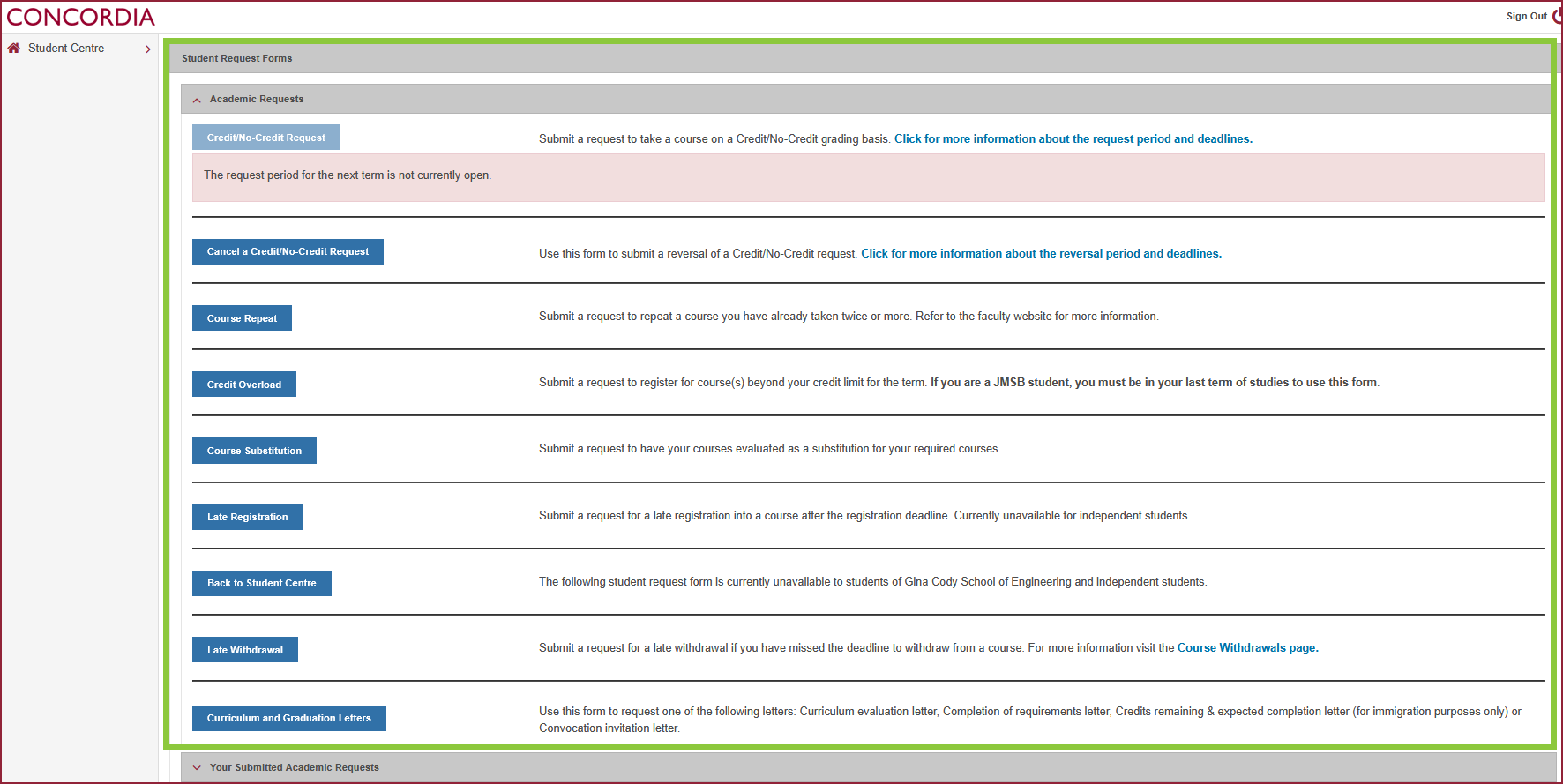
Select the appropriate Student Request button and complete the form.
Mobile
Log in to the Student Hub, select My CU Account, then the Student Centre.
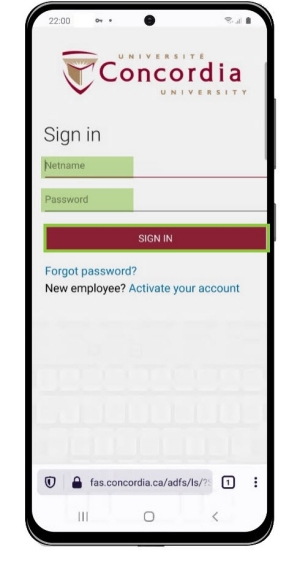
Sign in with your Netname and password.
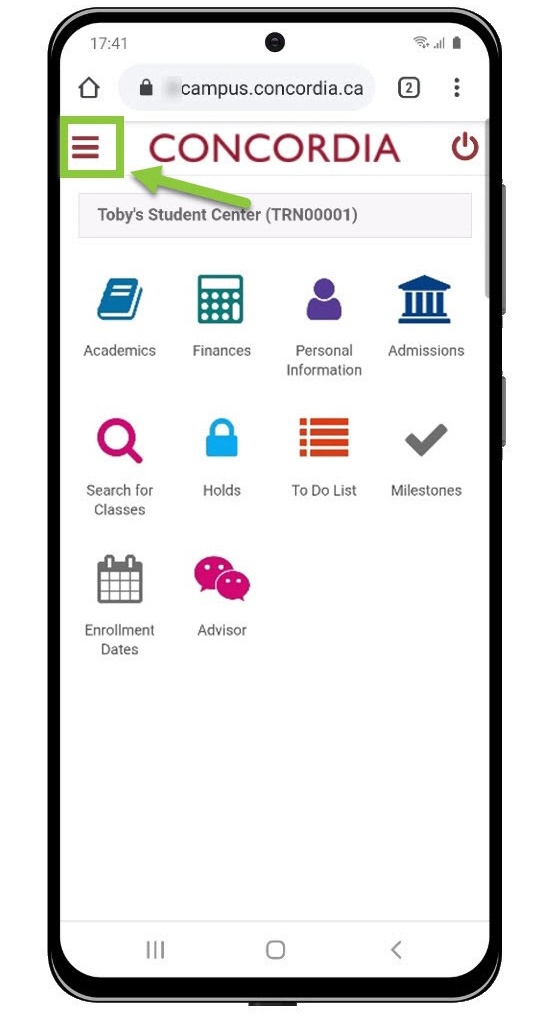
On your mobile device, expand the menu (click on the 3 lines in top left corner).
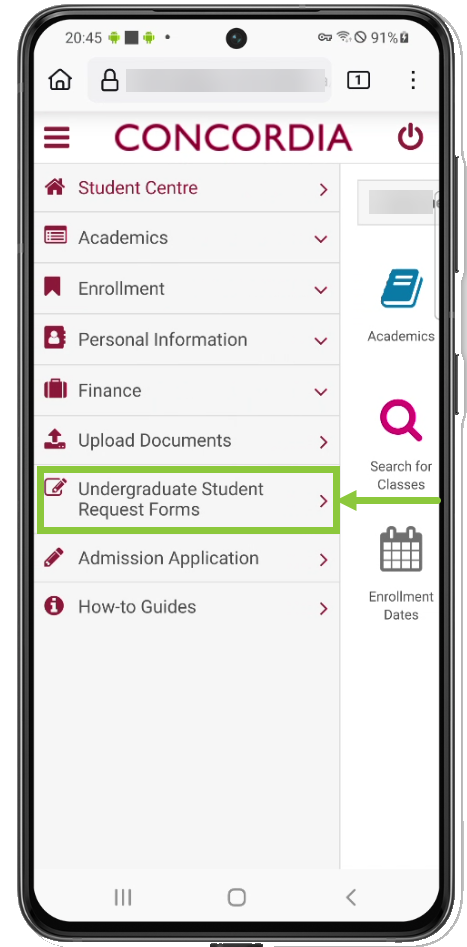
Select Undergraduate or Graduate Student Request Forms on the menu.
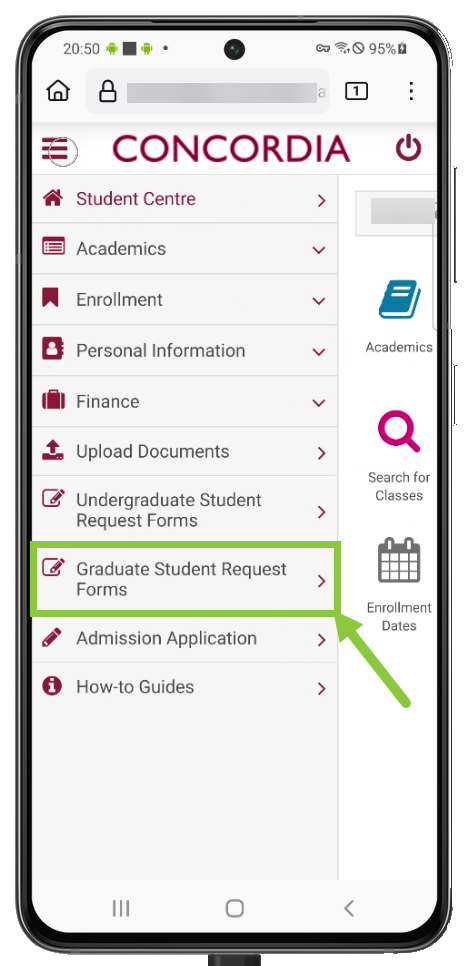
Select the appropriate Student Request button and complete the form.